

Alarm System For Air Ports ,Cop-OP, Cashiers, Offices
- Product Code: AL-Panic V1
- Availability: In Stock
35.000KWD
- Ex Tax: 35.000KWD
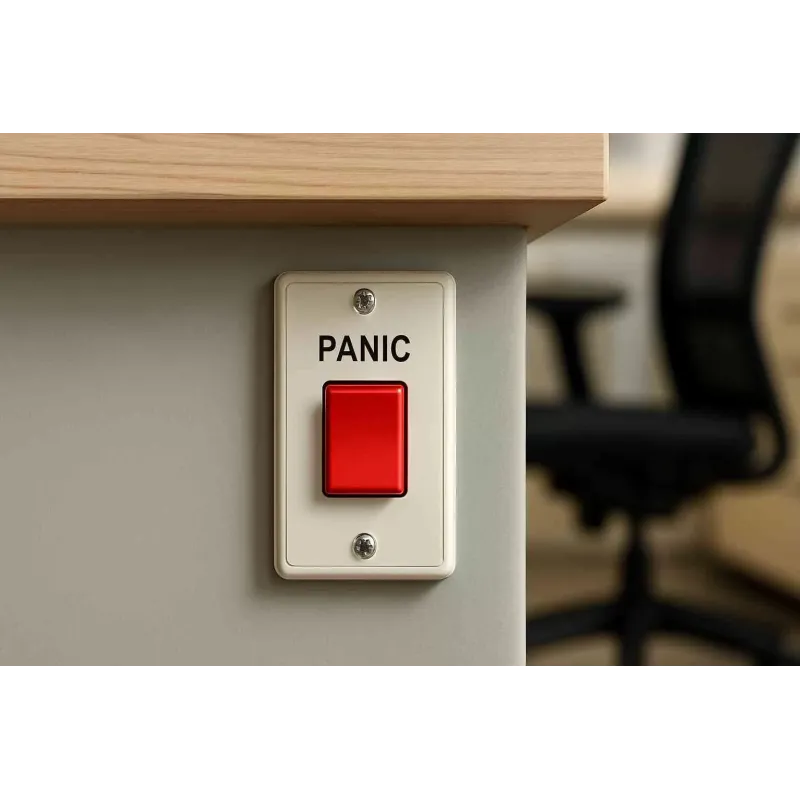
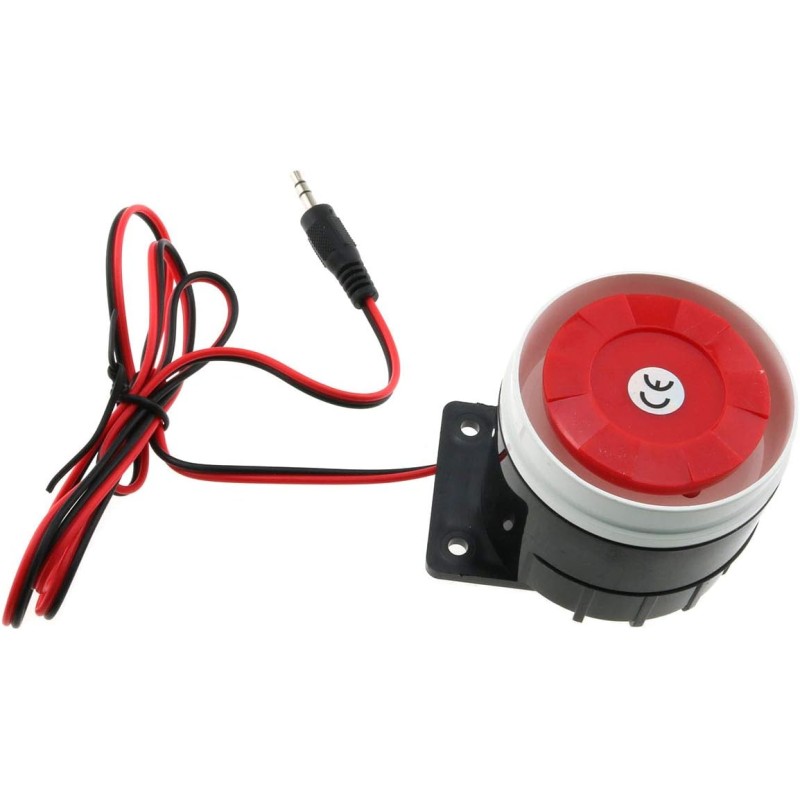
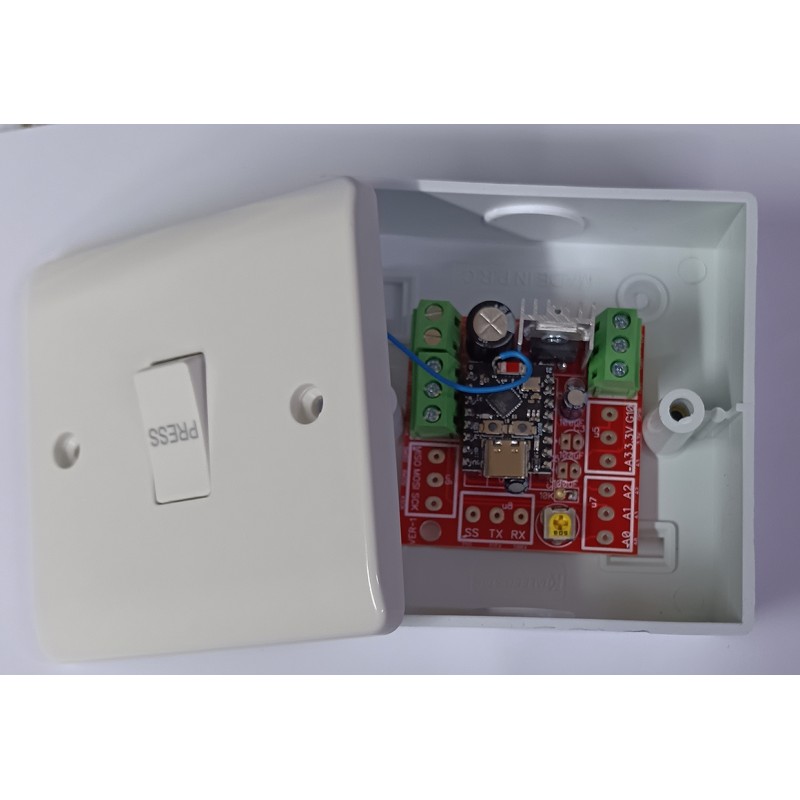
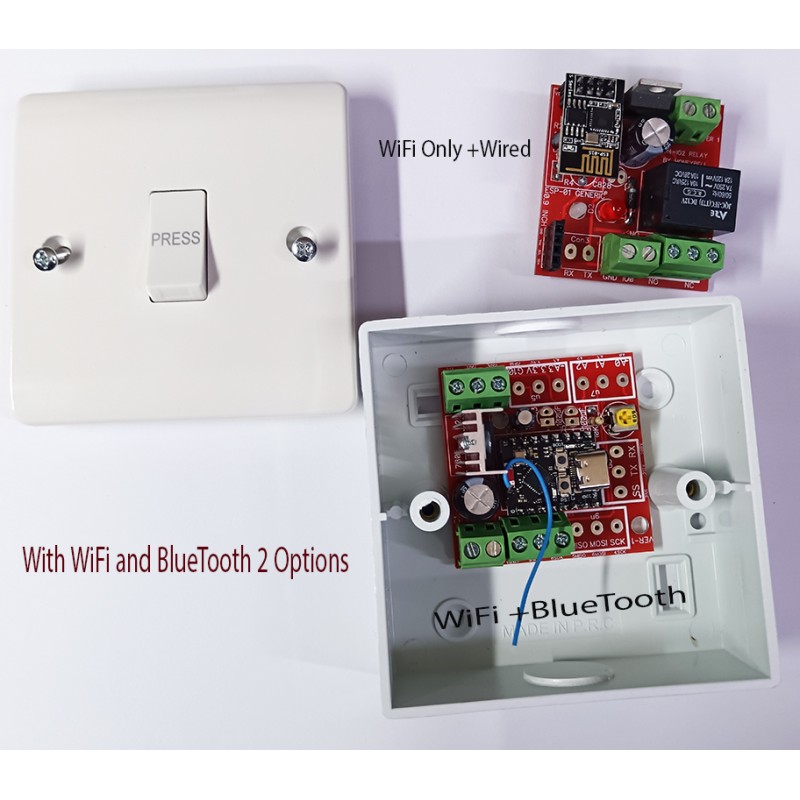
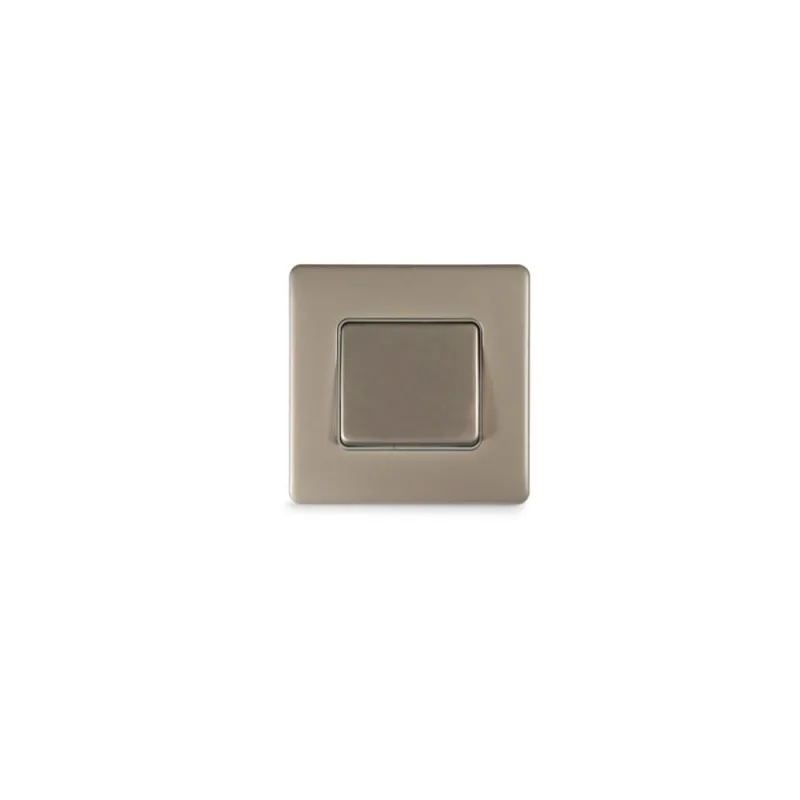
Advanced Alarm System (Panic Button) Without Control Panel
This Alarm System is specifically designed for places where motion sensors cannot be installed, such as Airports, Cashiers, Gold Shops, etc., and where full security is required. It works without a Security Panel, only with buttons, and can activate and de-activate system just by pressing the same Panic buttons according to the customer's settings. It has WiFi (Wireless) and Bluetooth enabled also.
🔑 Core Features
- No Security Panel Required: Operates entirely through programmable panic buttons for quick and simple activation or deactivation.
- Customizable Button Settings: Users can configure the same panic buttons to both arm and disarm the system, reducing complexity and ensuring ease of use.
- Wireless Connectivity: Equipped with Wi-Fi and Bluetooth, enabling remote monitoring, mobile app integration, and seamless connection with other smart devices.
🛡️ Advantages
- Ideal for Restricted Areas: Perfect for locations where motion sensors are impractical or prohibited, such as airports, cashier counters, and jewelry shops.
- Rapid Emergency Response: Panic button activation ensures immediate alarm triggering in critical situations.
- Flexible Integration: Wireless capability allows the system to connect with existing infrastructure or expand with additional smart security devices.
- Quick Response: Panic button activation ensures immediate triggering of alarms in emergencies.
- Flexible Integration Wireless capability means it can connect to existing infrastructure or be expanded with additional smart security devices.
What If One Press Could Save Your Life?
Imagine this: it’s late at night, you hear suspicious noises outside your shop, or someone tries to force open your front door while you’re alone. What would you do? Calling for help isn’t always an option when every second counts — that’s where a Panic Switch becomes your silent savior.
In this detailed guide, you’ll discover what a Panic Switch is, how it works, where to install it, and why no modern security system is complete without one. Whether you’re a homeowner, business owner, or security professional, this post will show you how a simple push button can make all the difference when you need help fast.
What is a Panic Switch?
A Panic Switch — sometimes called an emergency button or panic button — is a discreet, easy-to-activate device that sends an immediate distress signal when pressed. Unlike regular alarms that detect motion or break-ins automatically, a Panic Switch gives humans direct control during emergencies.
Typically connected to a security alarm panel, a panic switch can instantly trigger a loud siren, silent alarm, or even an alert to a central monitoring station. It’s the simplest, fastest way to call for help when you can’t make a phone call.
How Does a Panic Switch Work?
At its core, an Emergency Alarm Switch is all about speed and simplicity. Installed in strategic locations, it can be wired or wireless. When pressed:
It completes an electrical circuit that sends a signal to your alarm system.
The alarm system reacts immediately — activating a siren, strobe light, or silent signal to a security provider or police.
Some advanced systems send SMS or app notifications to family members or security staff.
This entire process takes seconds, buying you precious time when it matters most.
Types of Panic Switches
Not all panic switches are the same — they come in several forms to suit different spaces and security needs:
Wired Panic Switches
Hardwired directly into your alarm system, these offer reliability and zero battery worries. They’re popular in banks, retail counters, jewelry shops, and offices.
Wireless Panic Switches
Easier to install and relocate, wireless panic switches use RF signals to communicate with your security system. They’re ideal for homes, small offices, and temporary setups.
Foot Switches
Mounted under desks or counters, these let you discreetly tap with your foot — perfect for cash counters or reception areas.
Wearable Panic Buttons
Modern smart security often includes wearable panic buttons. These can be worn on a lanyard or wristband, giving vulnerable people, like the elderly or lone workers, a portable lifeline.
Where Should You Install a Panic Switch?
The placement of an Emergency Alarm Switch determines how useful it is during an emergency. Here are key spots to consider:
- Near Entrances/Exits: Place switches near main doors to activate alarms if someone tries to force entry.
- Under Desks or Counters: Cashiers, receptionists, or office staff can press them secretly without drawing attention.
- Bedrooms: Home panic switches near beds ensure you’re protected even when asleep.
- Warehouses/Storerooms: For staff working in isolated parts of a building.
Pro Tip: Install multiple switches to cover different scenarios — one near the front door, another near the cash register, and another in a hidden spot.
Who Needs a Panic Switch?
You might think panic switches are only for banks and jewelry stores — but they’re just as valuable for homes, offices, and small businesses:
Retail Stores: Staff can alert security during robberies without escalating the situation.
Homes: Family members can silently call for help during a break-in or medical emergency.
Schools and Colleges: Security staff can discreetly signal trouble during lockdowns.
Healthcare Facilities: Protect vulnerable patients and lone nurses on night shifts.
Warehouses & Industrial Sites: Isolated workers can instantly signal distress.
In short, a panic switch is peace of mind — an affordable way to boost your security infrastructure.
Panic Switch vs Regular Alarm — What’s the Difference?
A regular alarm system relies on sensors — motion detectors, door/window contacts, glass break sensors, etc. These react automatically to suspicious activity.
A Panic Switch, on the other hand, is a manual override that puts you in control. Even if all sensors fail or a threat happens inside a secure space, you still have the power to raise the alarm instantly.
Combining both is the smart move for complete protection.
Benefits of Installing a Panic Switch
Installing a panic switch offers clear advantages:
Instant Response: No fumbling for a phone or keypad during a crisis.
Discreet Activation: Silent or visible — you choose how your alarm reacts.
Deterrent Effect: When paired with sirens or strobe lights, it can scare off intruders.
Affordable Upgrade: Adding a panic switch is budget-friendly compared to expanding full alarm zones.
Life-Saving: For vulnerable family members, lone workers, or people with medical conditions, it can be a literal lifesaver.
How to Choose the Right Panic Switch
When choosing a panic switch for your space, consider:
- Wired vs Wireless: Wireless is flexible, wired is failproof.
- Silent vs Audible: Do you want to scare off intruders or silently summon help?
- Integration: Make sure it works with your existing alarm or smart security system.
- Durability: For commercial settings, choose robust hardware that won’t fail under pressure.
- Compliance: In some industries, panic switches are mandatory — check local laws and insurance requirements.
Smart Buttons for Safety & Security
- Instant Emergency Response
- Easy Integration
- Reliable and Secure
Smart Buttons that enhance Safety & Security
The most popular controllers among businesses
Guarantee of Security
The WS101 can function as a panic button, offering a valuable convenience for seniors, the sick, and youngsters by enabling them to easily contact caregivers when needed.
| Button | 1 × External Press Button |
| Button Mode | Short Press, Long Press, Double Press |
| Button | 1 × Reset Internal Button |
| LED Indicator | 1 × Status/Alarm Indicator |
| Buzzer | 1 × Buzzer |
Related Products

Security System
2 Years Warranty +1 year Firmware update WiFi + Bluetooth-based Security System. User-frien..
Motion Sensor
Motion sensors are electronic devices that detect movement within a designated area by sensing ..